
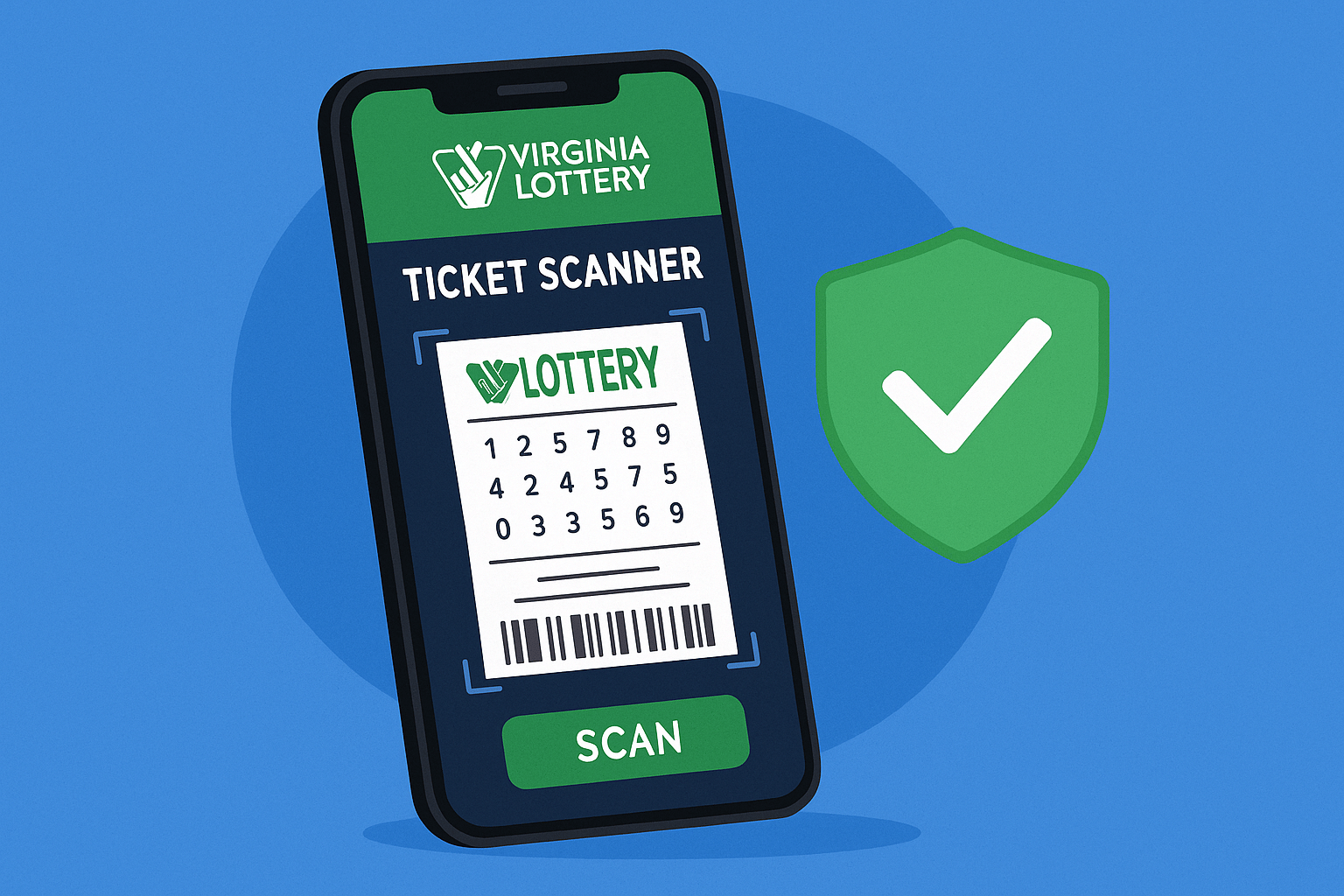
Virginia Lottery ticket scanner — the app can read your ticket’s barcode in seconds, but small mistakes cause errors. This guide explains how to scan correctly, fix common problems, and verify results securely on mobile.
This article may contain affiliate links. Use of promo codes or offers may result in commission for our site at no additional cost to you. Verify all game information directly with the Virginia Lottery. Play responsibly. If you or someone you know has a gambling problem, call the Virginia Problem Gambling Helpline at 1-888-532-3500.
How the Virginia Lottery Ticket Scanner Works
The app reads the barcode near the bottom of your ticket. Because of this, the scan needs clear light and a flat surface. Moreover, your camera must be focused and allowed to zoom automatically. If the app can’t see the full code, it shows a generic error.
To make sure you’re using the official version, start from the Virginia Lottery website. It routes you to verified pages and helps you avoid spoofed or outdated links.
How to Use the Virginia Lottery Ticket Scanner Correctly
Scanning tickets correctly takes only a few seconds. However, proper alignment and lighting make all the difference. Follow these steps to ensure accurate results:
- Clean the lens. Wipe your camera to remove smudges. Even a fingerprint can blur the barcode.
- Use steady light. Stand under soft indoor light. Avoid glare or shadows across the code.
- Flatten the ticket. Place it on a table. Curved paper distorts the barcode.
- Align the code. Hold the phone 4–8 inches above the barcode. Keep the lines inside the on-screen frame.
- Let it focus. Pause briefly so the camera auto-focuses. Then wait for the confirmation tone.
- Save the scan. If prompted, save your results to review them later without rescanning.
Fixing Common Virginia Lottery Ticket Scanner Errors
Even careful players encounter occasional scan errors. Therefore, understanding what each message means helps you resolve issues faster.
- “Code not recognized.” Increase distance slightly and re-center the barcode. In addition, brighten the room or tilt to remove glare.
- “Connection failed.” Switch to Wi-Fi or strong mobile data, then scan again.
- “Update required.” Your app version is outdated. Follow our guide to update the Virginia Lottery app safely, then rescan.
- Torn or wrinkled tickets. Smooth the paper and scan from a different angle. If unreadable, see the manual entry option below.
Best Practices for the Virginia Lottery Ticket Scanner
In addition to proper lighting, keep your device updated and close unused apps before scanning. Furthermore, avoid public Wi-Fi when viewing results or checking balances. These small steps improve security and accuracy.
If you prefer to begin on the web, you can visit the Virginia Lottery online first and open the scanner directly from there. For official game information, use the Virginia Lottery website.
When to Use Manual Entry and Claim Verification
If a barcode won’t scan, select “Enter ticket numbers manually” in the app. As a result, you can verify results even when the paper is damaged. Finally, confirm your results on the official Virginia Lottery site to prevent errors caused by glare or partial scans.
Exclusive Virginia Lottery Offer
Virginia residents 18+, use Promo Code VALOTTERY20
to claim 20 FREE games when you make your first deposit.
Depositing players also receive a 50% match up to $100. This adds more play value while encouraging responsible spending.
How to Redeem:
1️⃣ Click below to visit the official Virginia Lottery website.
2️⃣ Select Sign Up at the top right.
3️⃣ Paste your copied code (VALOTTERY20) into the “Promo Code” field on the Create Account page.
- Barcodes scan faster under soft, indirect light than under bright glare.
- Holding the phone too close is the number one cause of unreadable scans.
- Manual entry prevents mistakes when tickets are creased or damp.
FAQ
Q: My ticket won’t scan—what should I do first?
A: Step back slightly, adjust lighting, and re-center the barcode. If it still fails, use manual entry in the app.
Q: Is the scanner result final?
A: Treat it as a quick check. For official results or prize instructions, confirm on the Virginia Lottery website.
Q: Does the scanner work offline?
A: No, it requires an internet connection to verify results with the main database.
Q: Do I need to update the app for the scanner to work?
A: Usually yes. New versions improve camera focus and recognition. If problems continue, see the Virginia Lottery App Troubleshooting & How-To Guide.
Conclusion
In summary, using the Virginia Lottery ticket scanner correctly means paying attention to lighting, distance, and alignment. Moreover, starting from the Virginia Lottery website ensures you’re on a verified page. For complete guidance, return to the parent hub: Virginia Lottery App Troubleshooting & How-To Guide.
Last updated on November 2025.
Explore More from Virginia Lottery App Troubleshooting & How-To Guide
- Hidden Virginia Lottery App Features That Save You Time
- Virginia Lottery Scanner Fix - How to Get It Working Fast
- How to Update the Virginia Lottery App Safely
- Virginia Lottery Account Login Problems: Fixes that Work
- How to Scan Virginia Lottery Tickets Correctly
- Virginia Lottery Notifications & Alerts: What You Might Be Missing
This article may contain affiliate links. Use of promo codes or offers may result in commission for our site at no additional cost to you. Verify all game information directly with the Michigan Lottery or Virginia Lottery.
Play responsibly. If you or someone you know has a gambling problem, call the Michigan Problem Gambling Helpline at 1-800-270-7117 or the Virginia Problem Gambling Helpline at 1-888-532-3500.
For details on our editorial policies, affiliate partnerships, and responsible play standards, read our Legal Compliance Hub.
Share this post: